
Download Verity Parental Control – parental control, monitor children, safe internet, screen time, app blocker, website blocker, digital safety
Overview
Verity Parental Control is a mobile application designed to assist parents in safeguarding their children’s digital experiences. The app functions as a comprehensive monitoring and restriction tool, aiming to promote a safer online environment by tracking both online and offline activities on a child’s device. It addresses growing concerns around inappropriate content exposure, excessive screen time, and unmonitored digital interactions. The target audience includes caregivers, guardians, and families seeking reliable digital oversight tools for younger users.
Developed by Verity Technologies, the app has been available since 2013, indicating a long-standing presence in the parental control space. While specific details about the company’s background are limited, its continued operation suggests a focus on privacy, functionality, and user trust. The app is positioned within the parenting category, emphasizing its role in helping adults manage and guide their children’s technology use. Real-world use cases include preventing access to harmful websites, limiting time spent on non-educational apps, and ensuring responsible device usage during homework or leisure hours.
Within the broader app ecosystem, Verity Parental Control fills a critical need for digital safety tools that go beyond basic filters. Its ability to monitor both online and offline behavior sets it apart from simpler content blockers. By offering layered oversight, it supports a proactive approach to child safety in an increasingly connected world. The app’s enduring relevance underscores the persistent demand for trusted tools that empower parents with actionable insights into their children’s digital lives.
Key Features & Functionality
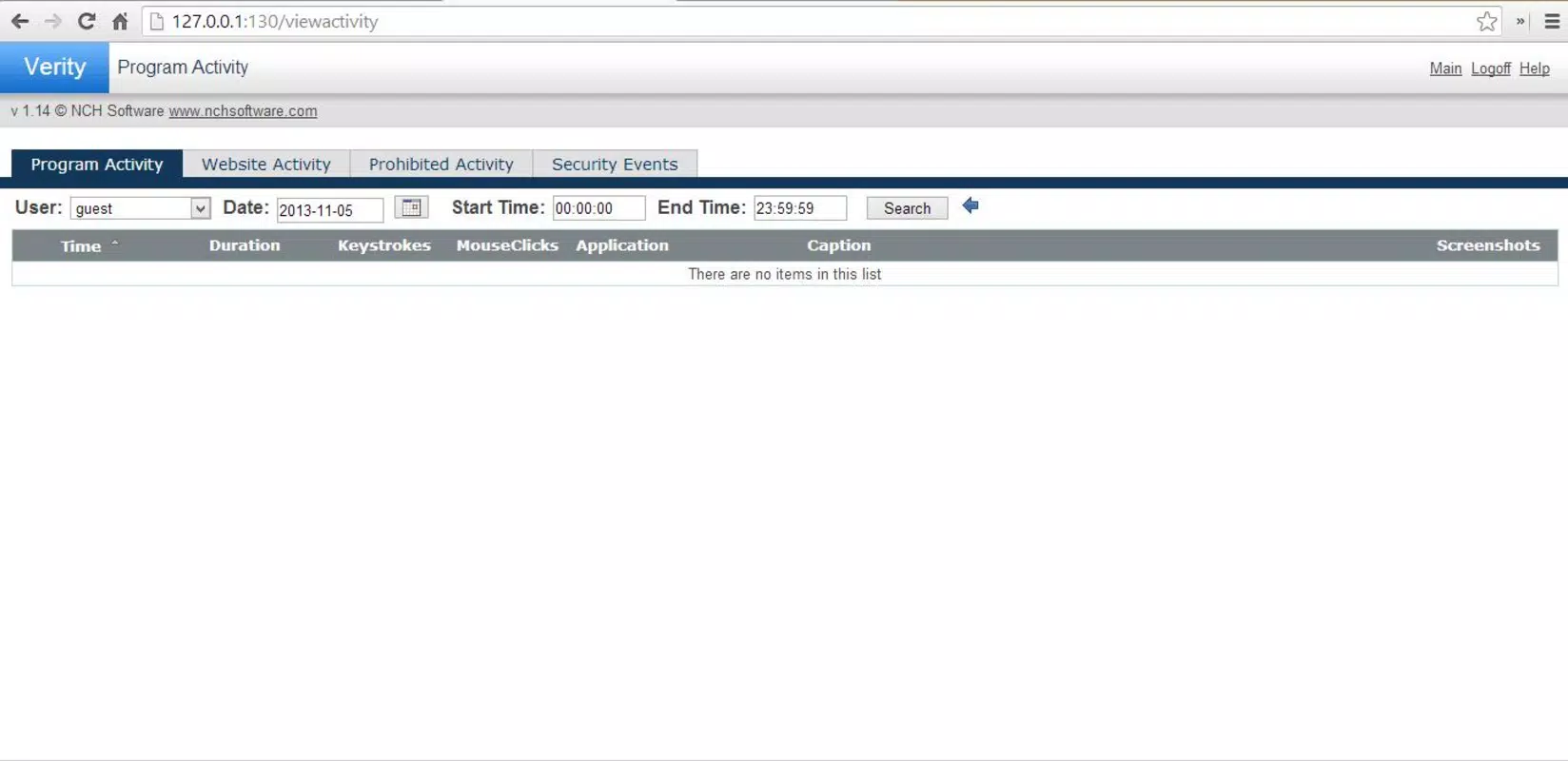
- Comprehensive Activity Monitoring: Tracks both online and offline device usage, offering parents a detailed overview of their child’s digital engagement. This includes app usage, browsing patterns, and device interaction history, enabling informed decision-making about screen habits.
- Website and App Blocking: Allows parents to create custom blocklists for harmful websites and unauthorized applications. This feature helps prevent access to age-inappropriate or potentially dangerous content, reinforcing digital boundaries.
- Time Tracking: Logs the duration of use for each application, providing visibility into how much time is spent on specific programs. This supports the establishment of healthy screen time limits and encourages balanced device usage.
- Periodic Screenshots: Automatically captures screenshots of the active screen at set intervals. These visual records allow parents to verify real-time activity and confirm appropriate device use without relying solely on logs.
- Keystroke and Click Monitoring: Records keyboard inputs and mouse movements, offering deeper insight into user interactions. This feature can help detect unusual or concerning behaviors, though it requires careful consideration of privacy implications.
These features work together to create a layered monitoring system. For example, a parent might use time tracking to identify excessive gaming, then apply app blocking to restrict access during homework hours. Periodic screenshots can later confirm compliance. Similarly, keystroke monitoring could reveal repeated attempts to access blocked content, prompting a conversation about online safety. The combination of these tools enables a proactive and informed approach to digital parenting.
Interface, UX & Performance
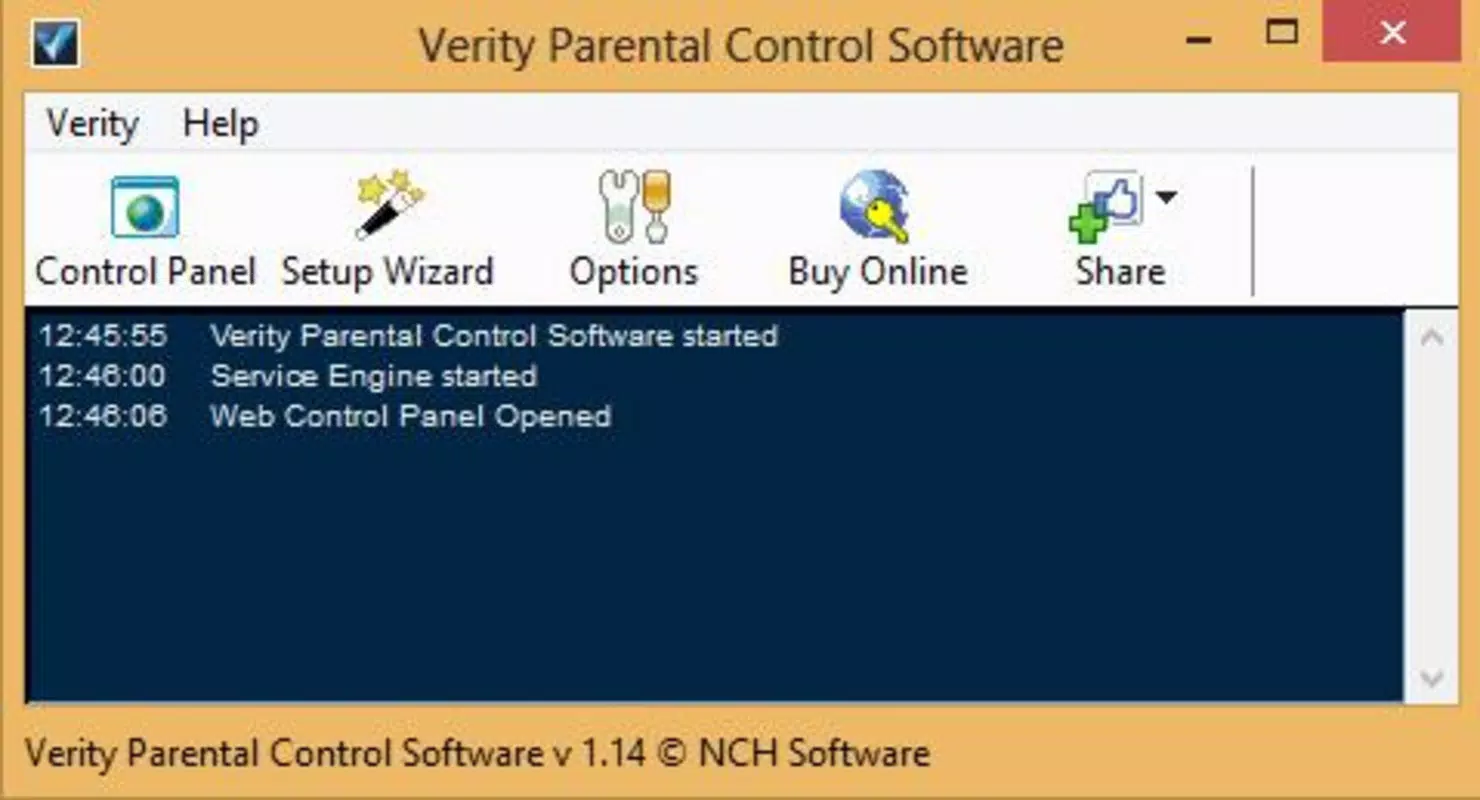
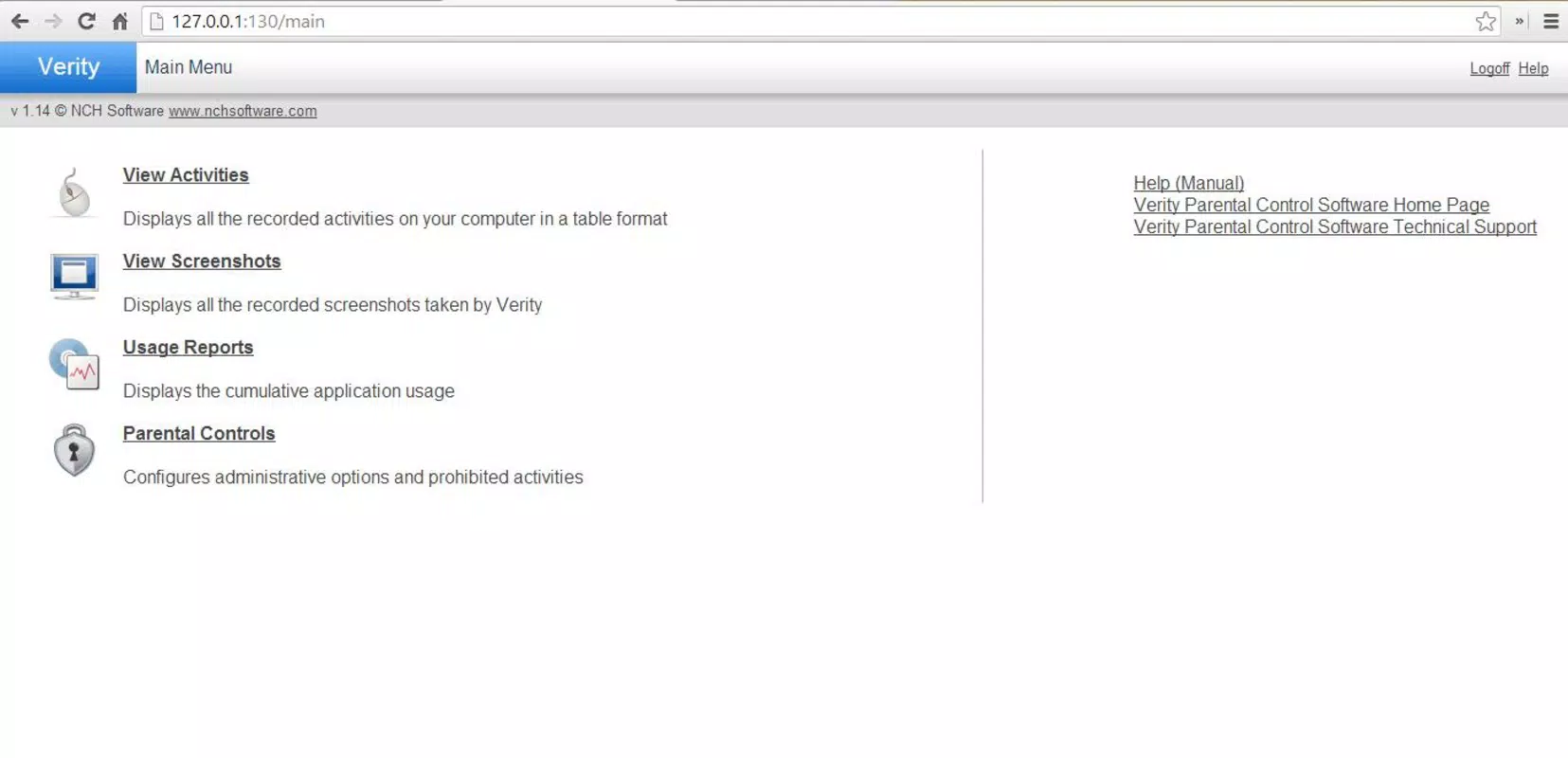
The user interface of Verity Parental Control appears designed for functionality over visual flair, prioritizing clarity and ease of access to monitoring data. Navigation is likely structured around a central dashboard that displays key metrics such as active apps, blocked sites, and usage duration. Menus may be organized by category—monitoring, blocking, scheduling—to streamline the management process.
Given the nature of its features, the app likely uses a minimalistic layout to reduce cognitive load, with icons and labels clearly indicating each function. The design may favor utility, with real-time updates and status indicators to reflect current device activity. While specific details about visual design elements are not provided, the interface is expected to support efficient operation without requiring extensive training.
Performance is likely optimized for background operation, ensuring continuous monitoring without significant impact on device speed or battery life. Although the developer did not list formal performance metrics, the app’s long-standing presence suggests stability across various Android devices. Responsiveness may vary depending on hardware, but the app is expected to maintain consistent functionality across entry-level and mid-range smartphones.
Platform Compatibility & Technical Requirements
Verity Parental Control is available on the Android platform. The current version is 1.0.4, with a file size of 15.7 MB, indicating a lightweight installation that should not strain storage on most devices. The app is designed for Android operating systems, though specific minimum OS requirements were not listed.
Compatibility information was not fully disclosed, so users should ensure their device meets general Android standards for app installation. The developer did not specify which Android versions are supported, nor did they provide details on hardware requirements. As such, installation on older or newer devices may depend on individual system configurations.
For users seeking a stable experience, it is advisable to install the app on devices running a supported Android version. The small file size suggests efficient resource usage, but performance may still vary based on device age, available RAM, and background processes. The app’s continued availability since 2013 reflects ongoing maintenance, though no recent update details were provided.
Pros and Cons
Pros
- Comprehensive monitoring of both online and offline activities
- Customizable website and app blocking capabilities
- Time tracking to promote healthy screen habits
- Periodic screenshots provide visual verification of device use
- Keystroke and click monitoring for deeper behavioral insight
- Lightweight file size (15.7 MB) for easy installation
Cons
- Developer did not provide specific OS version requirements
- Privacy implications of keystroke and click monitoring may concern some users
- No public information on recent update frequency
- Price point of $4.99 may be considered high for a basic parental control tool
- Compatibility with newer Android versions not confirmed
- Limited transparency regarding data storage and security practices
FAQ
Is Verity Parental Control safe to use on my child’s device?
The app is designed to enhance digital safety, but users should be mindful of privacy considerations, especially with features like keystroke monitoring. It is recommended to inform children about the monitoring setup to maintain trust.
Can I install Verity Parental Control on multiple devices?
Specific details about multi-device support were not provided by the developer. Users should check the app’s official documentation or contact support for information on device licensing.
Does the app require a constant internet connection?
While the app may function offline for basic monitoring, real-time reporting and remote access features likely require an internet connection. The developer did not specify exact connectivity needs.
How often does the app take screenshots?
Periodic screenshots are captured at regular intervals, but the exact frequency was not disclosed. Users may have the ability to adjust this setting within the app’s configuration options.
Is Verity Parental Control compatible with all Android phones?
Compatibility was not fully confirmed. While the app runs on Android, specific device or OS version requirements were not listed. Installation may vary depending on individual device configurations.
Final Thoughts
Verity Parental Control stands as a dedicated tool for parents committed to guiding their children’s digital experiences. With its combination of activity tracking, blocking features, and detailed monitoring, it offers a robust framework for digital safety. While the app’s long history reflects reliability, users should remain cautious about privacy-sensitive features and ensure they align with family values.
Those who prioritize comprehensive oversight and are willing to engage in open conversations about digital boundaries will find value in its capabilities. The app’s lightweight design and focused functionality make it accessible, though its price and lack of updated transparency may deter some. For families seeking a dependable, feature-rich solution, Verity Parental Control delivers a meaningful level of control.
Download Verity Parental Control now


